

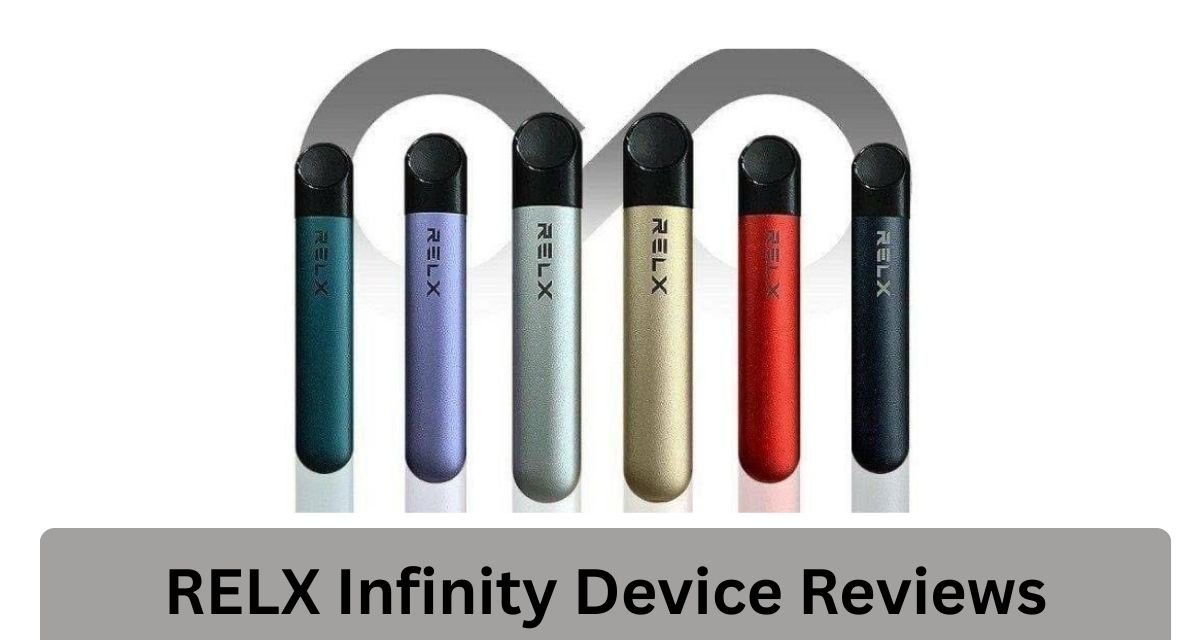
RELX Infinity 2 Device is a modern pod system with features like adjustable power modes, LED indicators, and smooth airflow. However, like any electronic device, it can develop issues over time due to usage, environmental conditions, or improper handling.
This guide will help you understand why problems happen and how to fix them step by step.
1. Device Not Working (No Vapor or No Response)
Common Causes
- Battery is empty
- Pod is not properly connected
- Dirty contact points
- Internal sensor blocked
How to Fix
Step 1: Check Battery
- Charge the device for at least 10–20 minutes
- Make sure the LED light turns on during charging
- If no light appears, try another cable or power source
Step 2: Reinsert the Pod
- Remove the pod and insert it again firmly
- You should feel a slight magnetic click
Step 3: Clean the Contacts
- Use a dry cotton swab or tissue
- Clean:
- Inside the device slot
- Bottom of the pod
Dirty connections are one of the most common reasons for no vapor.
Step 4: Try Another Pod
- Sometimes the pod itself is faulty
- Replace with a new one to confirm
2. Device Blinking Red Light
What It Means
- Low battery
- Pod connection issue
- Overuse (too many puffs quickly)
How to Fix
- Charge the device fully
- Remove and reinsert the pod
- Wait a few minutes if you’ve been chain vaping
If the red light continues, clean the connection area and try again.
3. Charging Problems
Common Causes
- Dirty charging port
- Faulty cable
- Water or physical damage
Fix
Clean the Charging Port
- Use a dry cloth or cotton swab
- Remove dust or lint
Change Cable or Adapter
- Use a reliable charger
- Avoid incompatible or low-quality cables
Check for Damage
- If the device was dropped or exposed to water, internal damage may stop charging
If none of these work, the battery may be permanently damaged.
4. Weak Vapor or Low Performance
Causes
- Low battery
- Old or nearly empty pod
- Wrong power mode
- Chain vaping
Fix
Adjust Power Mode
The Infinity 2 has three power modes:
- Eco (low)
- Smooth (balanced)
- Boost (strong)
Tap the device 3 times quickly to change modes
If vapor feels weak, switch to Boost mode.
Let the Device Rest
- Avoid continuous puffing
- Wait a few minutes between uses
Replace Pod
- Weak vapor often means the pod is near the end of its life
5. Burnt Taste
Causes
- Dry coil
- Empty pod
- Overuse (chain vaping)
Fix
Stop Using Immediately
- Continuing will worsen the burnt taste
Let the Pod Rest
- Wait 5–10 minutes
- This allows liquid to soak back into the coil
Check E-liquid Level
- If empty → replace pod
Once a coil is burnt, it usually cannot be fixed.
6. Leaking Pod
Causes
- Temperature changes
- Storing device horizontally
- Damaged pod
Fix
Clean the Device
- Wipe away leaked liquid
Store Upright
- Always keep it vertical
Avoid Heat
- Heat causes liquid expansion and leakage
Replace Damaged Pod
- If leaking continues, the pod is likely faulty
7. Gurgling or Spitting
Causes
- Excess liquid inside coil
- Strong inhaling
Fix
- Tap the device gently to remove excess liquid
- Blow lightly through the mouthpiece
- Take slower, softer puffs
8. Device Not Changing Power Modes
Causes
- Pod not inserted properly
- Battery too low
- Sensor blocked
Fix
- Insert pod correctly
- Charge device
- Tap quickly 3 times (timing matters)
- Clean sensor area
If still not working, the internal system may be faulty.
9. Airflow Blocked or Hard to Draw
Causes
- Dust or lint blocking airflow
- Condensation buildup
Fix
- Check airflow holes
- Clean mouthpiece
- Blow gently through device
10. Device Auto-Firing or Acting Strange
Causes
- Liquid inside device
- Sensor malfunction
Fix
- Stop using immediately
- Clean internal area carefully
- Let device dry completely
If the issue continues, it’s unsafe to use.
11. Pod Not Recognized
Causes
- Dirty connection
- Incompatible pod
- Damaged pod
Fix
- Clean both pod and device contacts
- Use original compatible pods
- Try a different pod
Final Thoughts
Fixing the RELX Infinity 2 is usually simple if the problem is minor. Most issues—like no vapor, blinking lights, weak performance, or leakage—can be solved with basic steps such as cleaning, charging, or replacing the pod.
However, it’s important to understand that:
- Pods are disposable
- Batteries degrade over time
- Not all problems can be repaired