

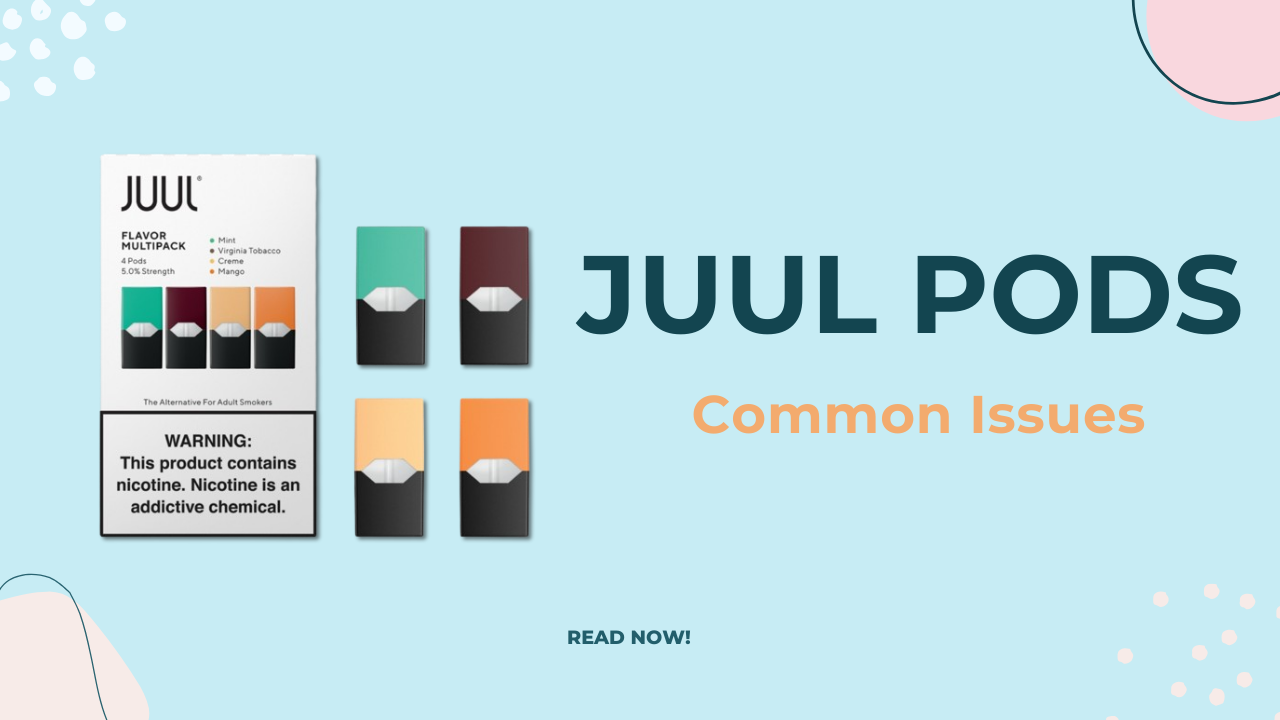
JUUL pods are designed to be simple and user-friendly. Unlike many traditional vape devices, there are no buttons, complicated settings, or manual activation steps. Instead, JUUL uses a draw-activated system, meaning it activates automatically when you inhale.
Even though it’s straightforward, many new users are unsure about the exact process, how to set it up properly, and what to do if it doesn’t work. This guide will walk you through everything step by step.
What Is a JUUL Pod?
A JUUL pod is a small, pre-filled cartridge that contains e-liquid (usually with nicotine). It clicks into the JUUL device (battery unit) and serves as both the mouthpiece and the liquid container.
Each pod is sealed and designed for convenience—no refilling or maintenance required.
Step-by-Step: How to Activate a JUUL Pod
1. Charge Your JUUL Device
Before inserting a pod, make sure your device has enough battery.
- Connect the JUUL device to its USB charger
- Plug it into a power source
- Wait until the LED light indicates a full or sufficient charge
Why this matters:
A low battery can prevent the device from activating properly, even if the pod is fine.
2. Insert the JUUL Pod Properly
Take your JUUL pod and insert it into the top of the device.
- Align the pod with the opening
- Push it in firmly until it clicks into place
- Make sure it sits securely and evenly
There is no “on/off” switch—once the pod is inserted, the device is essentially ready.
3. Inhale to Activate
This is the key step.
JUUL devices are draw-activated, which means:
- Simply place your lips on the mouthpiece
- Take a gentle puff (inhale)
The device will automatically:
- Detect airflow
- Heat the coil inside the pod
- Produce vapor
You may notice a small LED light turning on when you inhale—that’s a sign it’s working.
4. Check the LED Indicator
The JUUL device uses a small LED light to communicate status:
- Green light: Good battery
- Yellow/orange light: Medium battery
- Red light: Low battery
- Blinking light: Could indicate connection or usage feedback
If the light doesn’t turn on when you inhale, there may be an issue (covered later).
Tips for Proper Use
Take Gentle Puffs
JUUL devices are not designed for strong or aggressive inhales.
- Use slow, steady draws
- Avoid hard pulling, which can reduce performance
Keep Contacts Clean
Sometimes the device won’t activate due to poor connection.
- Remove the pod
- Check the metal contacts inside
- Clean gently with a dry cloth or cotton swab if needed
Store Properly
- Keep your device upright when possible
- Avoid extreme heat or cold
- Store in a clean, dry place
Common Problems and Fixes
1. Device Not Activating
Possible causes:
- Battery is dead
- Pod not inserted correctly
- Dirty contacts
Fix:
- Charge the device
- Reinsert the pod firmly
- Clean connection points
2. No Vapor Production
Possible causes:
- Pod is empty
- Airflow is blocked
- Internal issue with the pod
Fix:
- Try a new pod
- Check for blockages
- Make sure you’re inhaling gently
3. Leaking Pod
Possible causes:
- Temperature changes
- Improper storage
- Damaged pod
Fix:
- Remove and wipe the pod
- Store upright
- Replace if leaking continues
Important Safety Information
Since you’re a teen, it’s important to be very clear about this:
- JUUL pods typically contain nicotine, which is addictive
- Nicotine can affect brain development in young people
- Using these products regularly can lead to dependence
If you’re asking out of curiosity or for general knowledge, that’s completely fine—but it’s important to understand the health risks before making any decisions.
Do You Need to “Activate” JUUL Pods Manually?
No—there is no manual activation process like pressing buttons or adjusting settings.
Once:
- The device is charged
- The pod is inserted
…it is already “activated.” The only thing you need to do is inhale.
How JUUL Activation Differs from Other Devices
Some vape devices require:
- Pressing a button to heat the coil
- Adjusting wattage or temperature
- Priming the coil before use
JUUL simplifies all of that:
- No buttons
- No settings
- No setup beyond inserting the pod
This simplicity is one reason it became popular.
Final Thoughts
Activating a JUUL pod is extremely simple compared to other devices. The process comes down to three main steps:
- Charge the device
- Insert the pod
- Inhale to activate
That’s it—no complicated setup required.
However, ease of use doesn’t mean it’s risk-free. Understanding how it works is useful, but it’s just as important to be aware of the health effects, especially with nicotine-containing products.